

Essential 2D CADfamiliar, fast, and affordable
BricsCAD® Lite is presented as an introductory 2D CAD platform designed for professionals who need to view, edit, mark up, and publish drawings in the DWG format. It is positioned as an affordable and familiar solution, ideal for engineers and designers who do not require the more advanced features found in BricsCAD® Pro. The software emphasizes compatibility with the industry-standard DWG format, allowing users to access files from other CAD programs without conversion or loss of data. Key features highlighted include high performance for opening large files, intelligent drafting tools for collaboration, and AI-driven commands to optimize workflows. Furthermore, it supports the use of existing LISP routines from other CAD software to automate tasks and provides in-product usage data to help users tailor customizations.
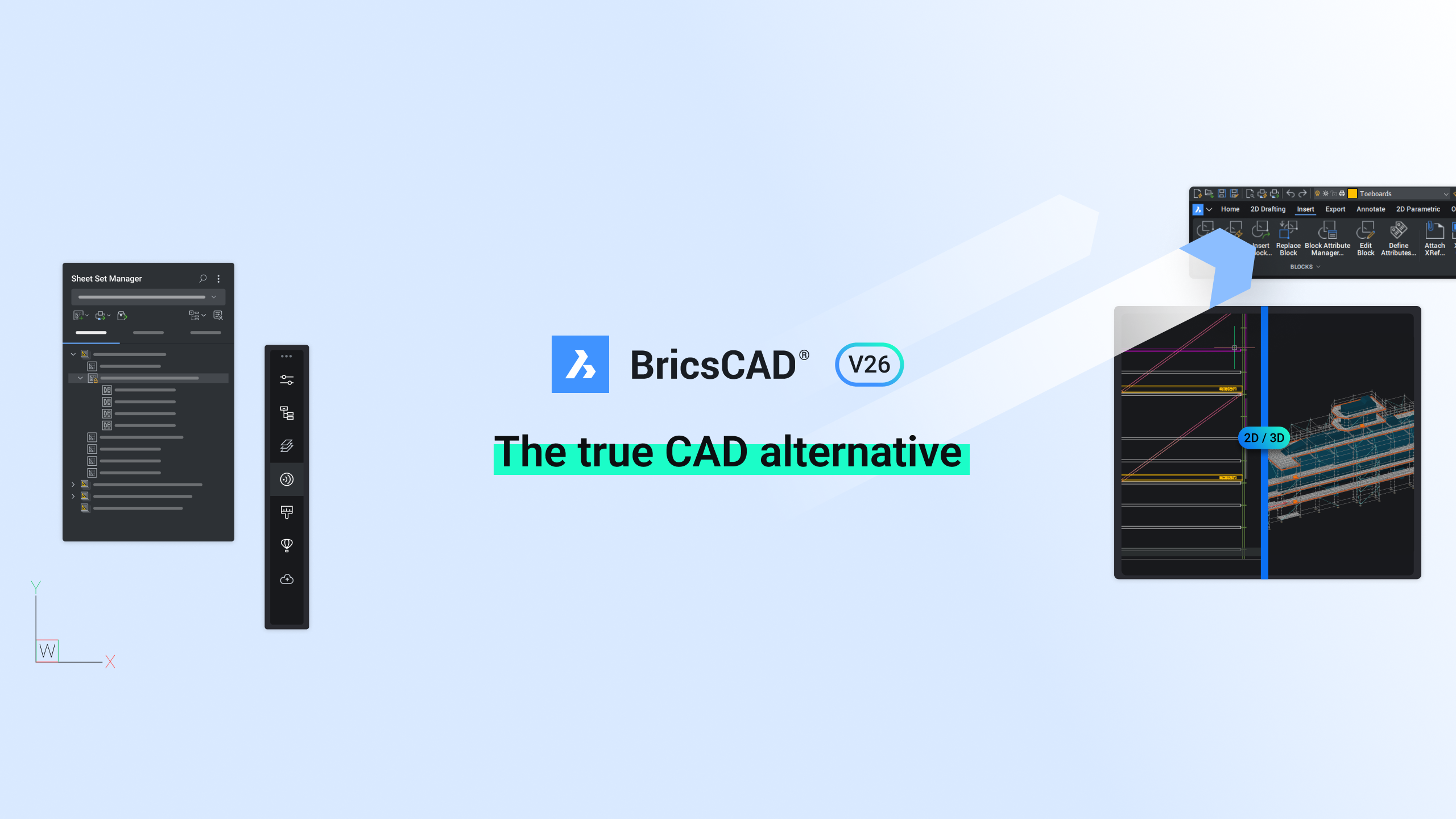
BricsCAD® Lite V26 introduces several new capabilities to accelerate the design-to-production process. Notable additions include the "Look From" widget for dynamic view positioning, the ability to change drawing units via the command line, and an enhanced search function within the Drawing Explorer to manage blocks in large drawings. The Blockify command has been integrated into the block creation process, and geographic location settings can now be managed through the command line or scripts. Other improvements focus on enhancing user experience and efficiency, such as grouping 2D geometric constraint symbols, a command to reverse the vertices of geometry, customizable command previews for TRIM and EXTEND, a streamlined workspace selector, and an improved QSELECT command for faster entity selection.
An interesting insight from the document is BricsCAD® Lite's dual focus on both maintaining familiarity for users migrating from other CAD systems and introducing unique, AI-driven tools for workflow optimization. The platform allows users to migrate their settings and reuse existing LISP scripts, which smooths the transition process and maintains productivity. Simultaneously, it incorporates distinct features like Blockify and in-product usage analytics, which are not just for compatibility but actively aim to make workflows more efficient. This suggests a strategy of attracting users with a familiar environment while retaining them with innovative, intelligent features that reduce repetitive tasks.