
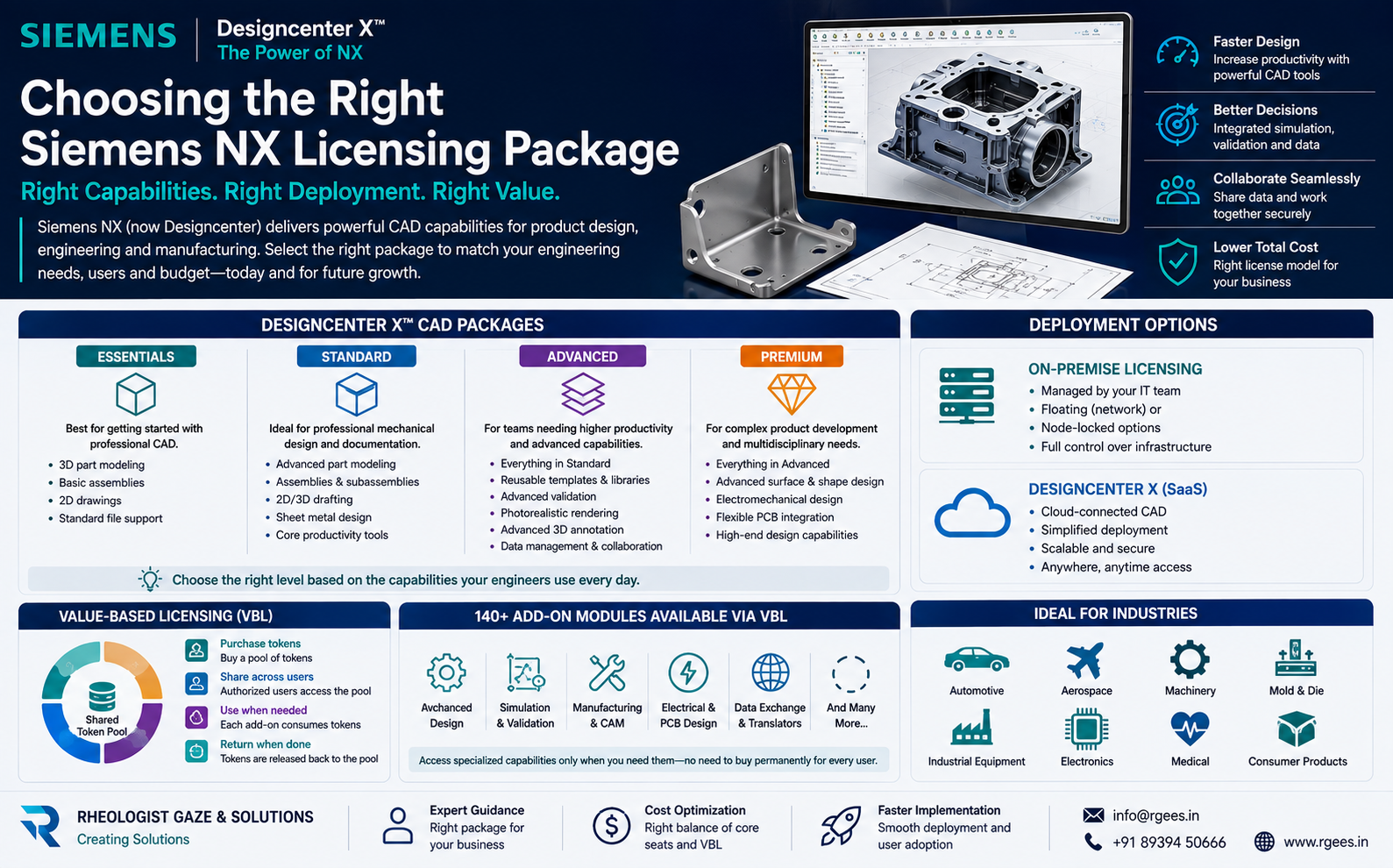
Choosing the Right Siemens NX Licensing Package
Understand CAD package levels, deployment models and Value-Based Licensing before investing in Siemens NX / Designcenter for your engineering organization.
Starting with the June 2026 release, Siemens renamed Designcenter NX to Designcenter and Designcenter X NX to Designcenter X. The term Siemens NX remains widely recognized in the engineering industry, so this article uses both NX and the current Designcenter terminology where appropriate.
Start with Your Engineering Requirements — Not the Package Name
Before comparing NX CAD licenses, first understand what your engineers actually do during a normal working week.
Part Design
Do engineers primarily create standard mechanical components and production drawings?
Complex Product Design
Do products involve complex assemblies, advanced geometry or specialized engineering requirements?
Advanced Engineering
Do engineers need specialized design, validation, annotation, visualization or electromechanical capabilities?
Manufacturing
Will the organization also need CAM, tooling or CNC programming capabilities?
Collaboration
Will designers need integrated engineering-data management and multi-user collaboration?
Future Growth
Will the company need additional specialized capabilities as new projects and customers are added?
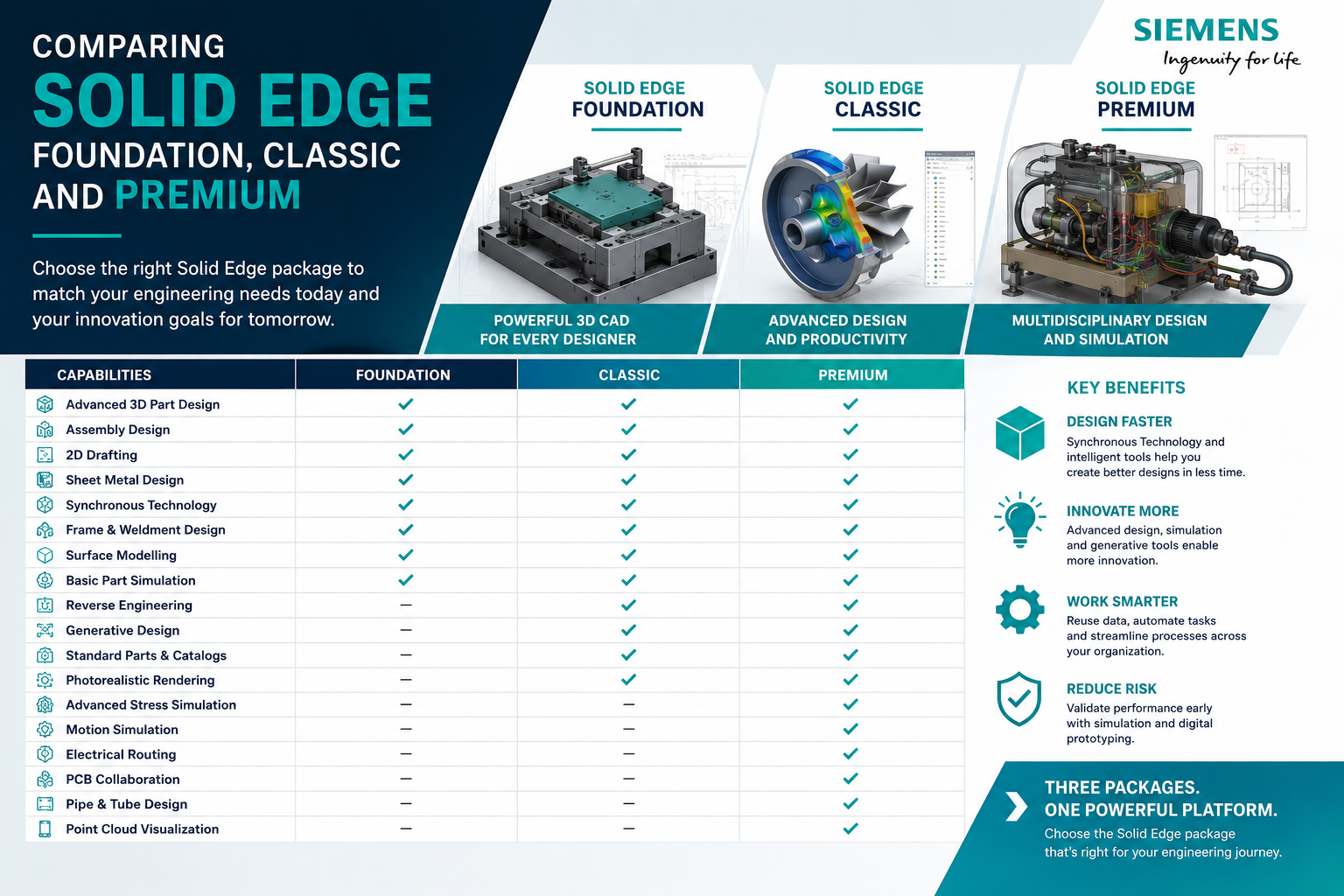
Current Designcenter X CAD Package Levels
Siemens currently offers four scalable Designcenter X CAD seat options:
Users who need an entry point into professional product-design capabilities.
Consider this tier when requirements are relatively straightforward and specialized engineering capabilities are limited.
Professional mechanical designers requiring a strong everyday product-development environment.
Standard can serve as an effective core CAD seat for many engineering organizations.
Engineering teams needing greater design productivity, reusable templates, automated validation, photorealistic rendering and advanced 3D annotation capabilities.
Organizations developing more complex products and requiring broader advanced engineering functionality.
Premium builds on Standard and Advanced capabilities and includes additional complex-design technologies.
How Should You Think About the Four Packages?
| Package | Typical Engineering Requirement | Ideal User Profile |
|---|---|---|
| Essentials | Foundational CAD requirements | Entry professional CAD users |
| Standard | Core professional mechanical design | Mechanical designers and product engineers |
| Advanced | Higher productivity, validation, rendering and annotation | Advanced product-development teams |
| Premium | Complex multidiscipline product development | High-end engineering organizations |
The best package is the one that covers your team's frequently used capabilities while allowing specialized, occasional requirements to be handled efficiently.
When Should You Consider Designcenter X Standard?
Standard is a logical starting point for many professional mechanical design teams.
Consider Standard when most engineers are involved primarily in:
- Mechanical product design
- 3D part development
- Assemblies
- Engineering drawings
- General product-development activities
For organizations with a large number of general mechanical designers, the core seat should usually be selected around the capabilities those engineers need every day.
When Should You Consider Designcenter X Advanced?
Advanced is designed for teams that need more than general-purpose mechanical design.
Siemens identifies capabilities such as:
- Reusable and configurable engineering templates
- Automated real-time validation
- Photorealistic rendering
- Advanced 3D annotation
- Built-in data management and collaboration capabilities
This can be valuable when design quality, reuse and communication become increasingly important.
When Should You Consider Designcenter X Premium?
Premium should be evaluated when the engineering organization develops complex products requiring capabilities beyond the Standard and Advanced levels.
Siemens positions Premium as including everything in Standard and Advanced plus additional complex-design capabilities, including electromechanical integration for flexible PCB-related workflows.
Advanced → Higher design productivity and validation
Premium → Broader complex-product engineering
What Is Siemens Value-Based Licensing?
This is one of the most important licensing concepts to understand when configuring a Siemens engineering environment.
Your core CAD package may cover the capabilities engineers use every day.
But what happens when they occasionally need:
- A specialized translator
- Advanced product-design capability
- Specialized engineering tools
- An additional workflow used only for selected projects
Purchasing every specialist module permanently for every individual user may not be the most economical approach.
This is where Value-Based Licensing (VBL) can be valuable.
How Value-Based Licensing Works
Siemens currently states that Designcenter X Standard, Advanced and Premium can be expanded with more than 140 Value-Based Licensing add-on modules.
Why Value-Based Licensing Can Reduce Software Investment
Imagine a design team with ten engineers.
All ten require core CAD every day, but specialized functionality may be needed only occasionally.
Instead of purchasing every specialist module for every engineer, organizations can evaluate:
This model can be particularly attractive when specialist tools are important but not continuously used by each engineer.
On-Premises Siemens NX / Designcenter Licensing
Organizations that prefer internally managed infrastructure can evaluate on-premises deployment.
Siemens documentation states that on-premises Designcenter / NX Design solutions can be delivered through:
Node-Locked Licensing
The software licence is associated with a specific workstation or installation arrangement.
Floating Licensing
Licences can be managed for use across eligible users or workstations within the organisation according to the licence configuration.
Internal Infrastructure
Suitable for organizations that prefer to maintain more control over their internal engineering IT environment.
Designcenter X – SaaS and Cloud-Connected CAD
Designcenter X provides Siemens' SaaS-based CAD offering.
Siemens describes it as delivering full CAD capabilities while adding the flexibility, security and scalability advantages associated with a SaaS deployment model.
Cloud-connected licensing can also simplify:
- User provisioning
- Licensing administration
- Deployment
- Collaboration
- Engineering data management
On-Premise vs Designcenter X
| Consideration | On-Premise | Designcenter X |
|---|---|---|
| Deployment | Managed within company environment | Cloud-connected SaaS approach |
| Licensing | Node-locked / floating options | Named-user cloud licensing |
| IT Management | Greater internal administration | Potentially simplified administration |
| Collaboration | Depends on infrastructure | Designed for connected collaboration |
| Data Management | Can integrate with Teamcenter | Built-in capabilities available depending on package |
| Best Fit | Organizations prioritizing internal deployment | Organizations seeking cloud-connected flexibility |
How to Select the Right Siemens NX Licensing Package
List User Roles
Identify designers, advanced engineers, specialists, manufacturing engineers and occasional users.
Map Capabilities
Document which engineering capabilities each user requires daily, weekly and occasionally.
Select Core Seats
Choose the package that covers each user's regularly required capabilities.
Add Flexible Capacity
Evaluate Value-Based Licensing for specialist requirements that do not justify dedicated modules for every engineer.
Create a Capability Usage Matrix Before Buying
| Capability | Daily | Weekly | Occasional | Possible Licensing Approach |
|---|---|---|---|---|
| Core 3D CAD | ✓ | Core seat | ||
| Assembly Design | ✓ | Core seat | ||
| Advanced Validation | ✓ | Evaluate Advanced tier | ||
| Photorealistic Rendering | ✓ | ✓ | Advanced / appropriate package | |
| Specialized Engineering Add-on | ✓ | Consider VBL | ||
| Special Translator | ✓ | Consider VBL where available |
Example NX Licensing Strategies by Company Type
Small Product Design Company
Start with core professional CAD seats matched to everyday modelling requirements and add specialist capability only when needed.
Mould & Die Manufacturer
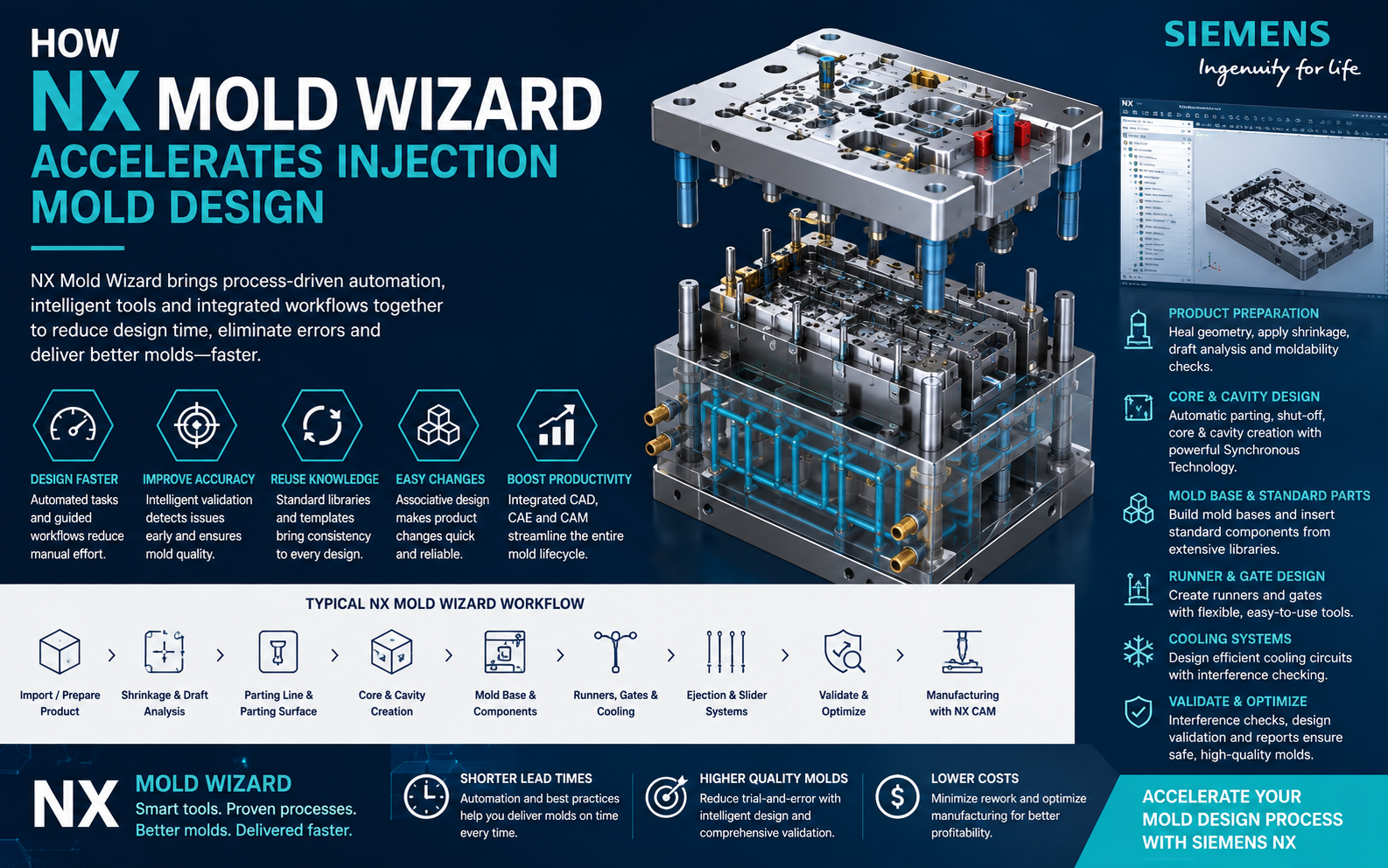
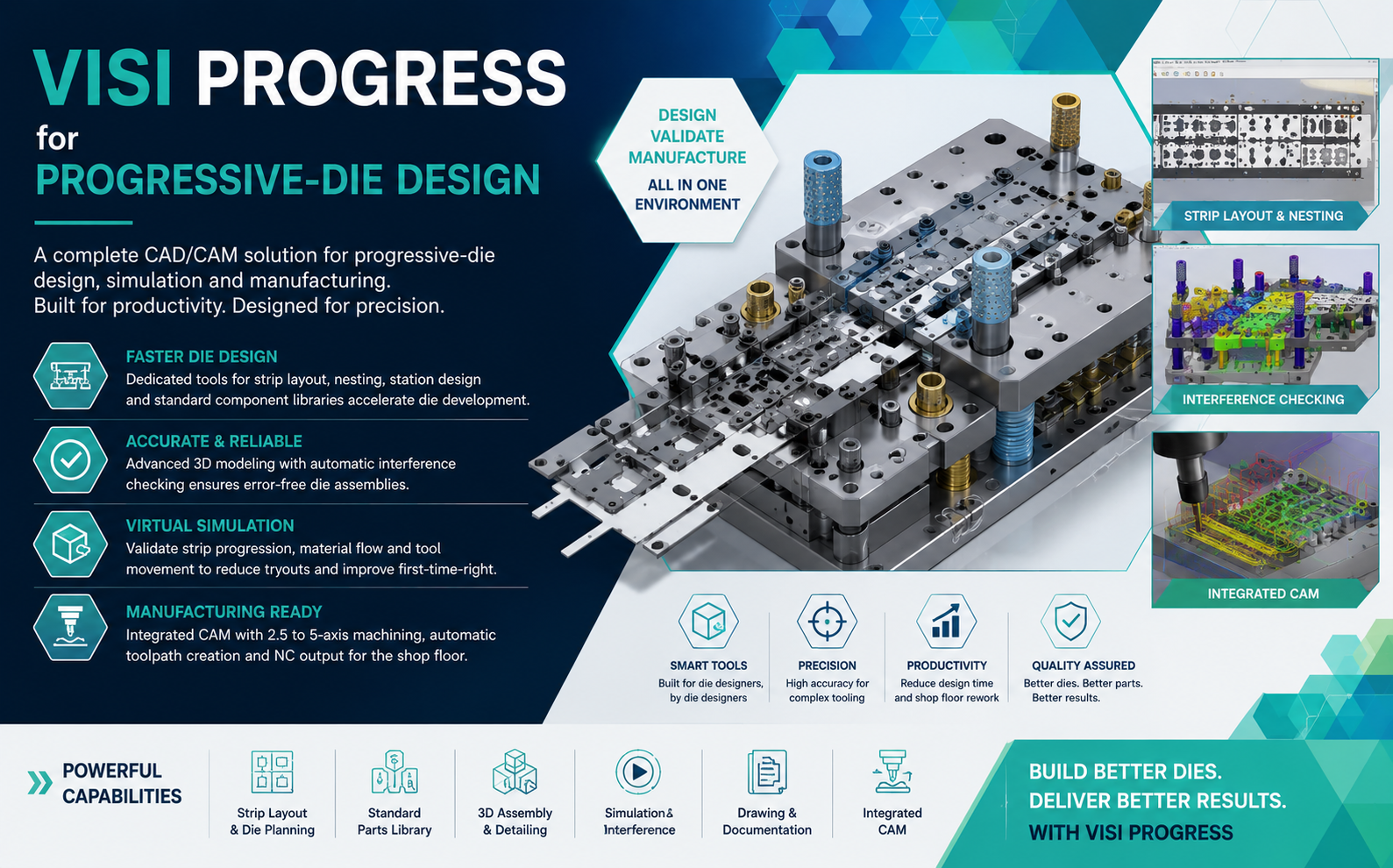
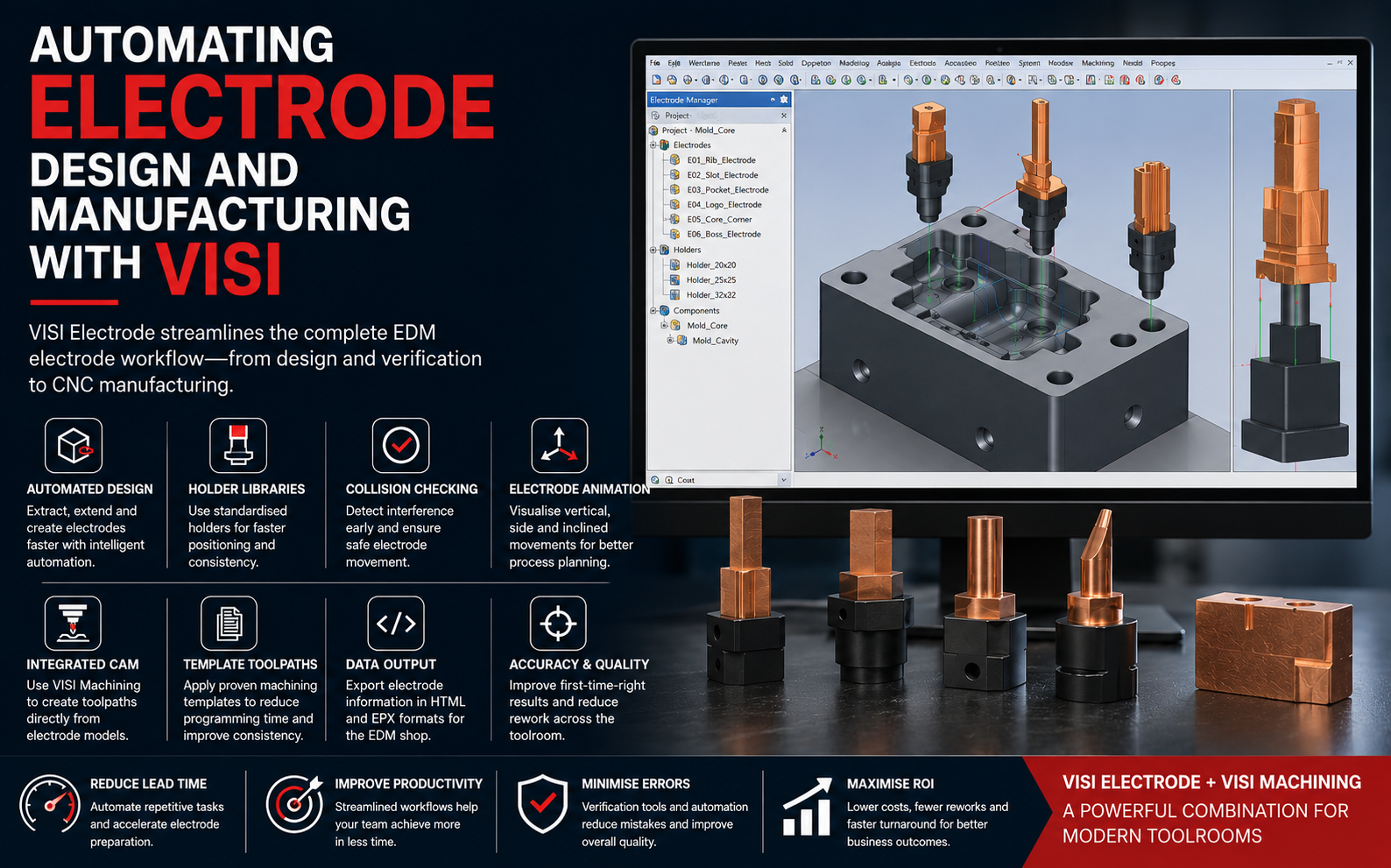
Evaluate core CAD alongside the specialized tooling and manufacturing capabilities required for mould, die and CNC workflows.
Machine Manufacturer
Prioritize assembly design, drafting, reuse, engineering-change management and product-data requirements.
Automotive Supplier
Evaluate advanced design, complex assemblies, supplier data exchange, validation and collaboration.
R&D Team
Flexible access to specialized engineering technologies may be particularly valuable where project requirements change frequently.
Large Enterprise
Evaluate CAD, specialized add-ons, Teamcenter integration, deployment architecture and enterprise licensing as a complete strategy.
Common Mistakes When Buying Siemens NX Licences
Buying Only on Price
The lowest-cost package can become expensive if engineers later discover that essential functionality is missing.
Buying Every Feature
Purchasing capabilities that are rarely used can unnecessarily increase software cost.
Ignoring VBL
Occasional specialist requirements may be better suited to flexible token-based access.
Ignoring Future Growth
Consider the product complexity and engineering workflows you expect over the next several years.
Not Mapping User Roles
Different engineers may require different core packages rather than identical licences for the entire team.
Ignoring Deployment
Cloud-connected and on-premises approaches have different IT, administration and collaboration implications.
Think About Total Licensing Cost, Not Just Seat Price
When comparing Siemens NX licensing options, do not evaluate only the initial price of one licence.
Consider:
- Number of core CAD users
- Required package level
- Specialized modules
- Frequency of specialist-module use
- Value-Based Licensing requirements
- Deployment and IT administration
- Training
- Implementation
- Support
- Expected growth in engineering users
Industries That Can Benefit from Siemens NX / Designcenter
How Rheologist Gaze & Solutions Can Help Select Your NX Package
Selecting an NX licence should begin with an engineering-workflow discussion rather than simply asking for a software price.
Rheologist Gaze & Solutions can help evaluate:
- Your present CAD environment
- Number and type of engineering users
- Part and assembly complexity
- Required design capabilities
- Manufacturing requirements
- Specialist module requirements
- Value-Based Licensing opportunities
- Cloud vs on-premise deployment
- Teamcenter requirements
- Implementation strategy
- Training requirements
- Technical support
This approach helps build a licensing configuration around actual engineering requirements rather than purchasing unnecessary functionality.
Frequently Asked Questions About Siemens NX Licensing
What is the current name of Siemens NX CAD?
Starting with the June 2026 release, Siemens renamed Designcenter NX to Designcenter and Designcenter X NX to Designcenter X. NX remains widely recognized as Siemens' advanced CAD technology and continues to be commonly used as an industry search term.
What Designcenter X packages are available?
Siemens currently provides four scalable Designcenter X seat options: Essentials, Standard, Advanced and Premium.
What is Value-Based Licensing?
Value-Based Licensing provides a shared token pool that authorized users can use to access eligible specialist add-on capabilities when required.
Can multiple users share Value-Based Licensing tokens?
Siemens describes Designcenter X Value-Based Licensing as a floating token pool that eligible named users within an organization can consume.
Can Siemens NX be installed on-premise?
Yes. Siemens provides on-premises Designcenter CAD solutions with node-locked and floating licensing options.
Should every engineer receive the same NX package?
Not necessarily. Licensing should ideally reflect user roles and actual engineering requirements. Some engineers may need a core design package while others require higher-tier or specialized capabilities.
How do I choose between Standard, Advanced and Premium?
Start by listing the capabilities your engineers use regularly. Standard is appropriate for many core mechanical-design requirements, Advanced adds productivity, validation, rendering and annotation capabilities, while Premium addresses broader complex-product engineering requirements.
Conclusion: Build Your NX Licence Around the Work You Actually Do
There is no single Siemens NX licensing package that is automatically best for every organization.
A small mechanical-design company, mould manufacturer, automotive supplier and multinational engineering company can all have very different requirements.
A practical licensing strategy is:
2. Map engineering capabilities
3. Select the appropriate core CAD tier
4. Use flexible add-ons where appropriate
5. Choose the right deployment model
6. Plan for future growth
The result should be a Siemens engineering environment that provides the capabilities your team needs without unnecessarily licensing specialized functionality that remains unused.
Not Sure Which Siemens NX Package Is Right for Your Company?
Talk to Rheologist Gaze & Solutions to evaluate Designcenter / Siemens NX licensing based on your CAD, product-development and manufacturing requirements.
Request an NX Licensing Consultation info@rgees.in +91 89394 50666SEO Focus Keywords: Siemens NX licensing, Siemens NX license India, NX CAD license, NX CAD packages, Designcenter licensing, Designcenter X, NX Design Standard, NX Design Advanced, NX Design Premium, NX Value-Based Licensing, NX token licensing, NX floating license, NX node-locked license, Siemens CAD software India.