How Associative CAD/CAM Reduces Engineering Changes
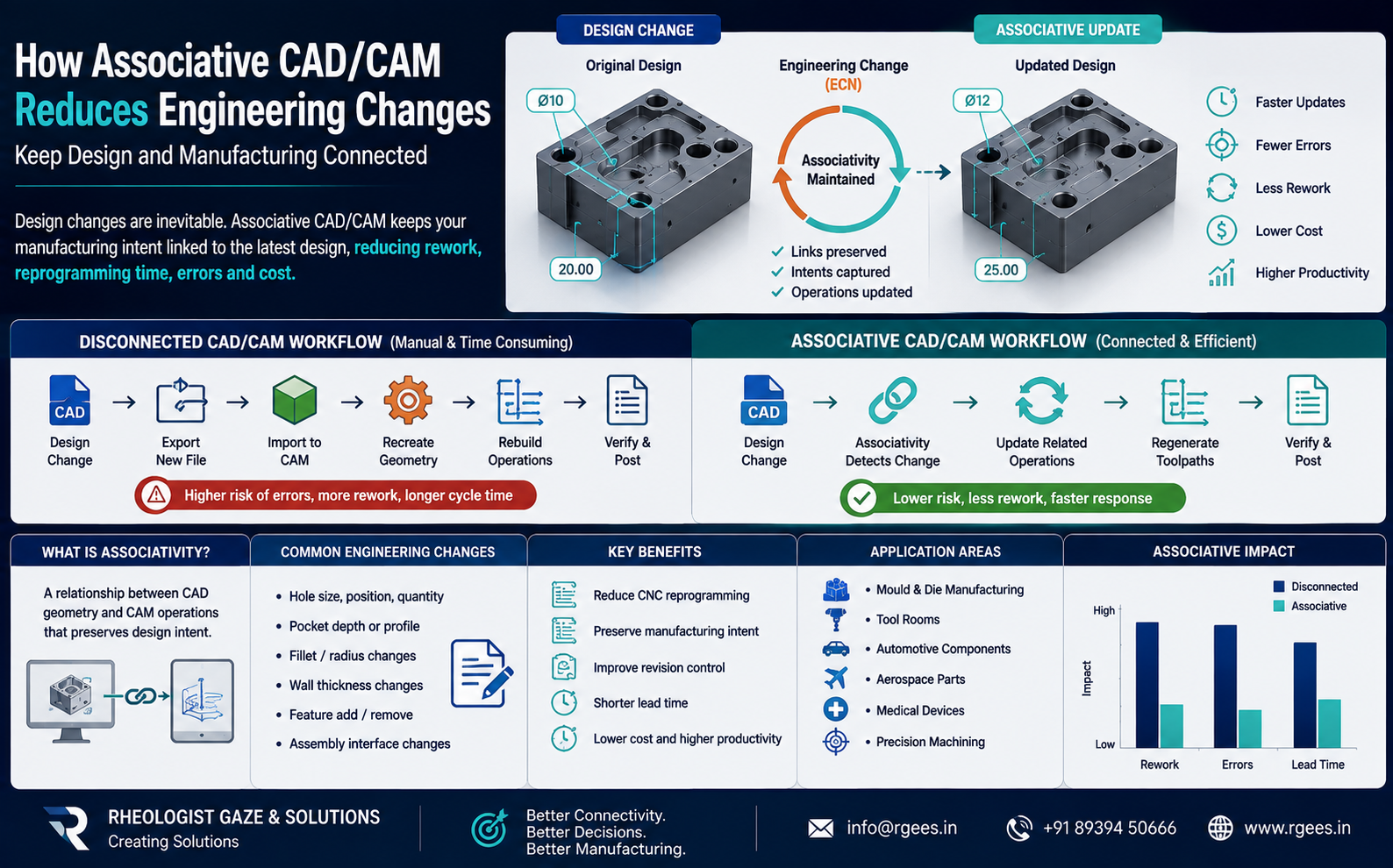
Keep product geometry and CNC manufacturing operations connected so design changes can be incorporated faster, with less repeated programming, fewer errors and less manufacturing rework.
Associative CAD/CAM keeps manufacturing operations connected to the original CAD geometry so design modifications can be incorporated into the manufacturing process with greater continuity.
What Is Associative CAD/CAM?
CAD/CAM associativity means a relationship is maintained between the product design and the manufacturing operations created from that geometry.
Instead of treating the CAD model as a static file that is exported and forgotten once CAM programming begins, an associative workflow keeps the manufacturing process connected to the design model.
When the CAD model changes, the CAM system knows that the manufacturing geometry has changed and the related machining operations can be updated or regenerated.
The Problem with Disconnected CAD and CAM
This traditional workflow can work well until the design changes.
If the customer issues a revised model, the manufacturing engineer may have to:
- Identify exactly what changed.
- Import the revised CAD file.
- Check whether the correct revision was received.
- Recreate machining geometry.
- Rebuild boundaries or features.
- Review fixtures and setups.
- Modify existing CNC operations.
- Regenerate toolpaths.
- Run CNC verification again.
- Communicate the revision to production.
How an Associative CAD/CAM Workflow Works
Create the CAD Model
Engineering creates the product, tooling or component geometry.
Create CAM Operations
Manufacturing engineers create machining operations associated with the CAD geometry.
Engineering Change
The designer revises geometry due to customer or manufacturing requirements.
Update Manufacturing
Associated manufacturing operations can be reviewed, regenerated and validated against the revised geometry.
A Simple Example: Hole Position Change
Imagine a machined component containing twenty holes.
After CAM programming is complete, the designer moves one hole by 5 mm.
In a disconnected workflow, the CAM programmer may receive a new file and manually compare the old and new models.
The engineer needs to determine:
- Which hole moved?
- Which drilling operation uses that hole?
- Does the fixture still provide clearance?
- Does another machining operation interfere?
- Does the NC program require updating?
With an associative CAD/CAM workflow, the manufacturing environment remains connected to the underlying design geometry.
Affected operations can therefore be identified and updated much more systematically.
What CAD/CAM Associativity Helps Manufacturing Teams Do
Does Associativity Mean CNC Programs Update Automatically Without Checking?
No.
Associativity does not remove the need for engineering judgement.
A changed CAD model may cause associated operations to require regeneration or review.
The programmer must still determine whether:
- The cutting strategy remains appropriate.
- The selected cutting tool is still suitable.
- Fixture clearance remains safe.
- Machining limits are correct.
- Feeds and speeds remain appropriate.
- Toolpaths are collision-free.
- The updated NC program has been verified.
Common Engineering Changes That Affect CNC Programming
Hole Changes
Hole diameter, depth, position or quantity may change.
Profile Changes
External or internal component profiles may be revised.
Pocket Changes
Pocket depth, boundary or corner conditions may change.
Fillet Changes
Radius changes can alter cutting-tool accessibility and finishing strategy.
Thickness Changes
Material thickness changes may affect roughing and finishing requirements.
Feature Changes
Bosses, ribs, slots and other features may be added, deleted or modified.
Benefits of Associative CAD/CAM
Faster Engineering Changes
Manufacturing engineers can respond faster when revised CAD models are released.
Less CNC Reprogramming
Existing machining logic can often be reused instead of starting every revision from zero.
Fewer Manual Errors
Reducing repeated geometry recreation lowers opportunities for manual transcription and interpretation errors.
Better CAD-to-CAM Continuity
Design and manufacturing remain more closely connected throughout the engineering lifecycle.
Reduce Rework Cost
Earlier and more systematic incorporation of design changes can reduce unnecessary programming and shop-floor rework.
Improve Manufacturing Productivity
CAM programmers can spend more time optimizing machining and less time reconstructing geometry.
Disconnected CAD/CAM vs Associative CAD/CAM
| Engineering Activity | Disconnected CAD/CAM | Associative CAD/CAM |
|---|---|---|
| CAD Model Revision | New file transferred manually | Manufacturing remains linked to design geometry |
| Change Identification | Often manual comparison | System-supported update workflow |
| CAM Geometry | May require recreation | Existing relationships can be retained |
| Machining Operations | May require significant reprogramming | Associated operations can be updated and regenerated |
| Revision Risk | Higher possibility of using outdated geometry | Better digital continuity |
| CNC Verification | Required | Required after relevant updates |
| Engineering Lead Time | Potentially longer | Potentially shorter |
| Design / Manufacturing Collaboration | File-based | More integrated |
Why Associativity Is Important for Mould and Die Manufacturing
Mould and die manufacturing is particularly vulnerable to late engineering changes.
A product revision can affect:
- Core geometry
- Cavity geometry
- Inserts
- Parting surfaces
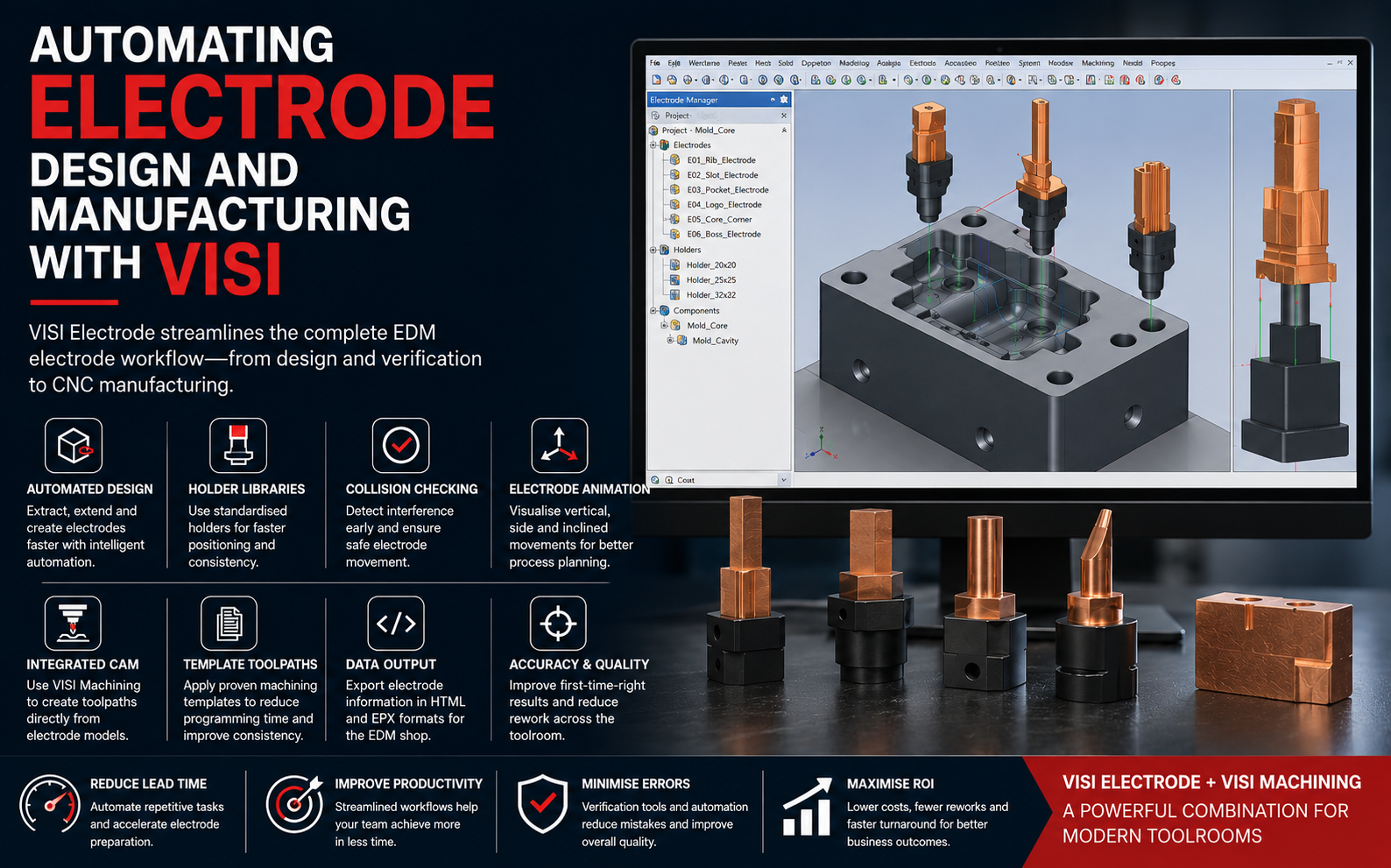
- Electrodes
- CNC roughing operations
- Finish machining
- Wire EDM programs
- Inspection data
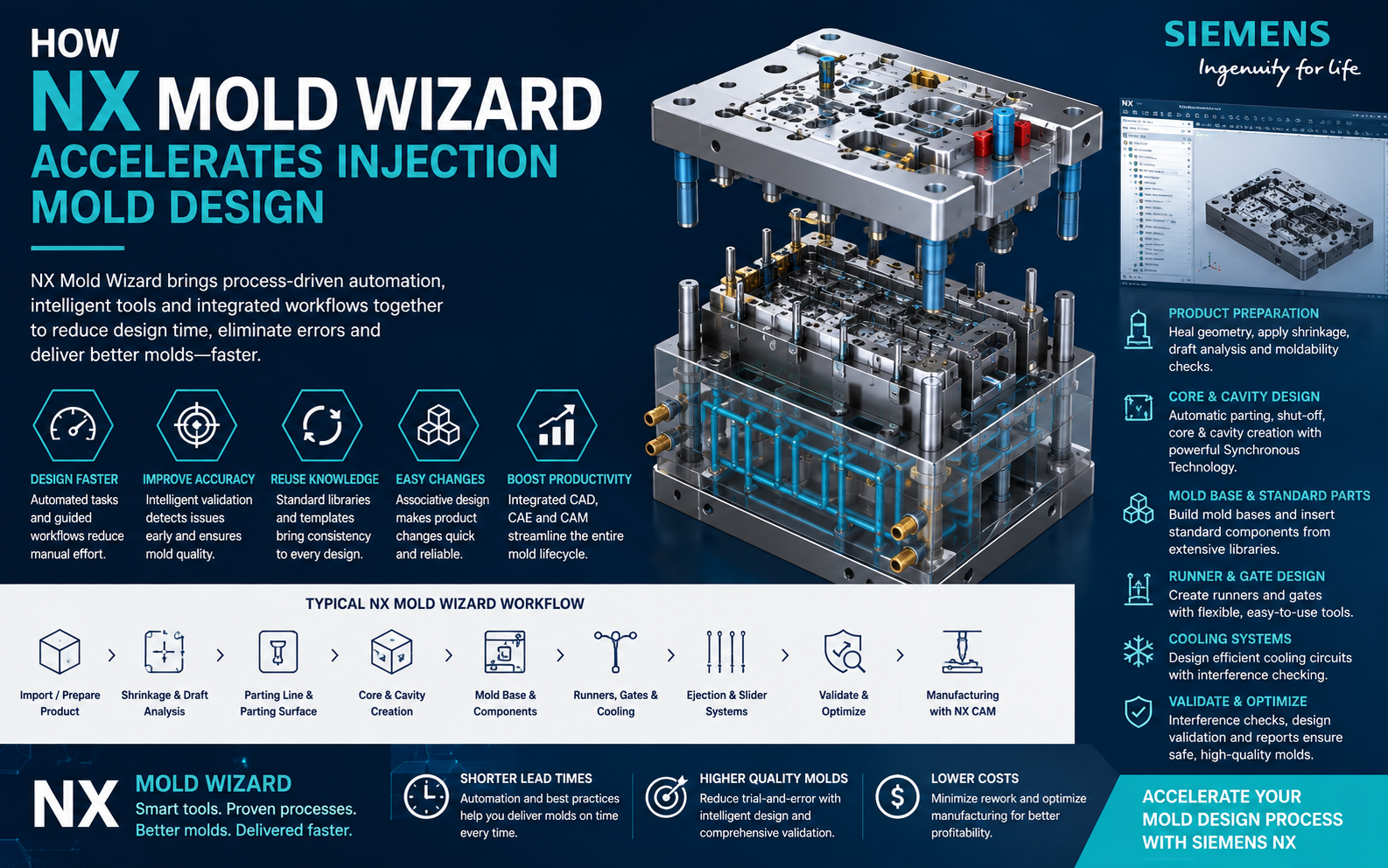
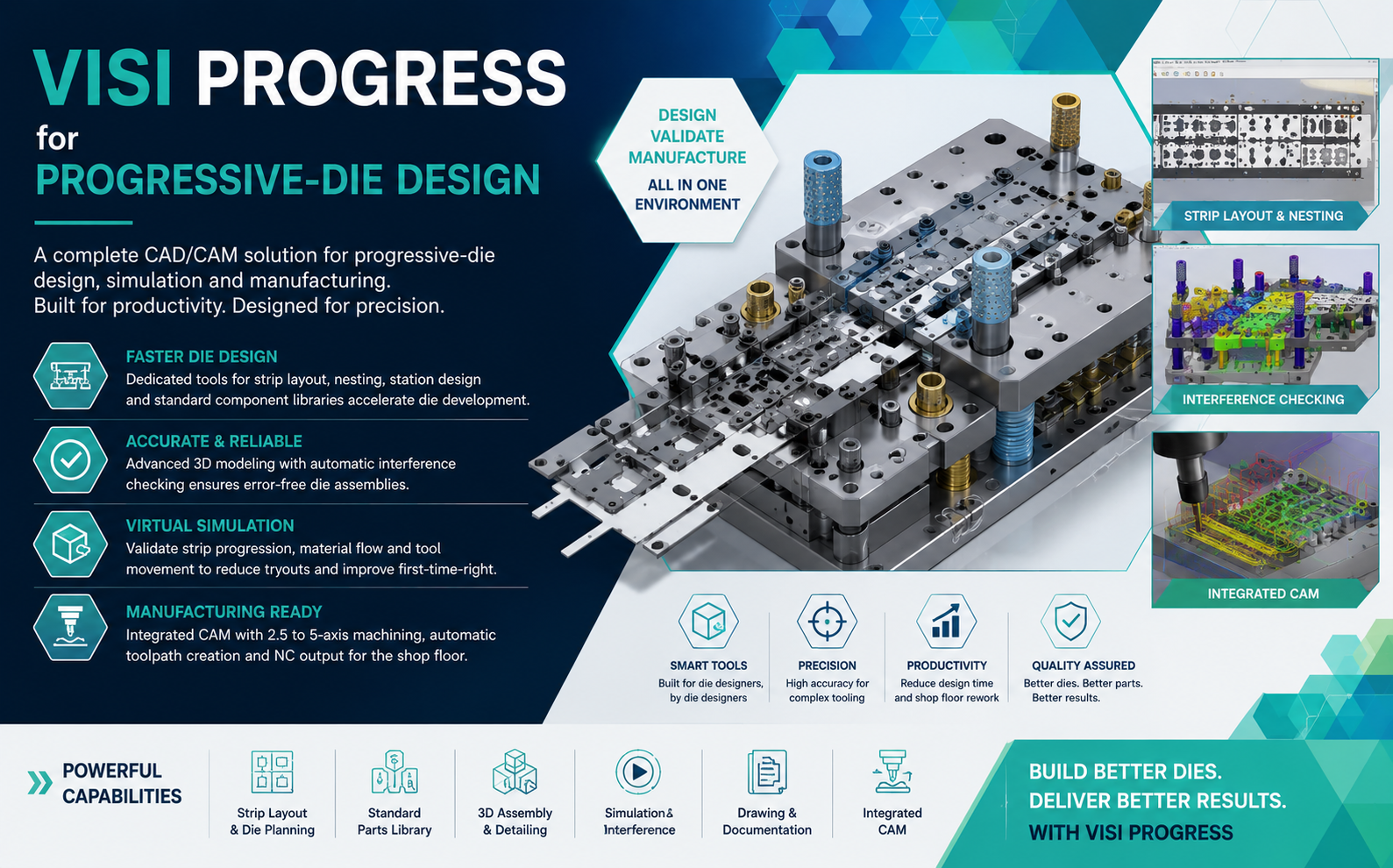
Hexagon currently positions VISI as an integrated CAD/CAE/CAM environment for mould and die manufacturers, while its broader mould and die portfolio combines tooling design, manufacturing preparation, CAM, simulation and automation. :contentReference[oaicite:1]{index=1}
Product → Core/Cavity → Electrode → CNC Program → Manufactured Tool
Toolpath Associativity and CNC Updates
In an integrated CAD/CAM system, machining operations can remain associated with the geometry used to create them.
Siemens describes its integrated NX CAD/CAM workflow as maintaining associative machining operations so design modifications can be incorporated into manufacturing and toolpaths regenerated when needed. :contentReference[oaicite:2]{index=2}
This is particularly valuable for:
- 3-axis machining
- 5-axis machining
- Drilling
- Hole making
- Pocket machining
- Feature-based machining
- Mould core and cavity machining
- Fixture development
Engineering Changes Can Also Affect Fixtures
Associativity is not limited to toolpaths.
If a component's size, shape or mounting features change, the workholding fixture may also need to change.
Siemens documents dynamically associative fixture design in which the fixture remains linked to the part or product model and can be updated when that design changes. :contentReference[oaicite:3]{index=3}
Associativity Helps Improve Revision Control
One of the greatest manufacturing risks is machining the wrong revision.
When teams rely heavily on independent exported files, folders and manually named revisions, confusion can arise between:
- Original product model
- Revised model
- CAM preparation model
- NC program revision
- Fixture revision
- Inspection revision
A more integrated digital workflow helps keep manufacturing information closer to the authoritative engineering model.
Associative CAD/CAM Can Support Concurrent Engineering
Manufacturing teams do not always have to wait until every design detail is completely frozen before starting process planning.
A connected environment can support closer collaboration between design and manufacturing while changes continue to occur.
Siemens specifically identifies concurrent manufacturing and associative updates as benefits of integrated CAD/CAM workflows, helping reduce bottlenecks and lead time. :contentReference[oaicite:4]{index=4}
Associativity and Model-Based Manufacturing
Modern manufacturing is moving toward using the 3D engineering model as a central source of product definition.
This approach can connect:
Hexagon notes that repetitive redesign of detailed drawings after changes can consume time and create opportunities for errors, one of the reasons model-based workflows are increasingly valuable in manufacturing. :contentReference[oaicite:5]{index=5}
Associativity Beyond a Single CAD/CAM Platform
Associativity is a broader manufacturing principle rather than a feature restricted to one software family.
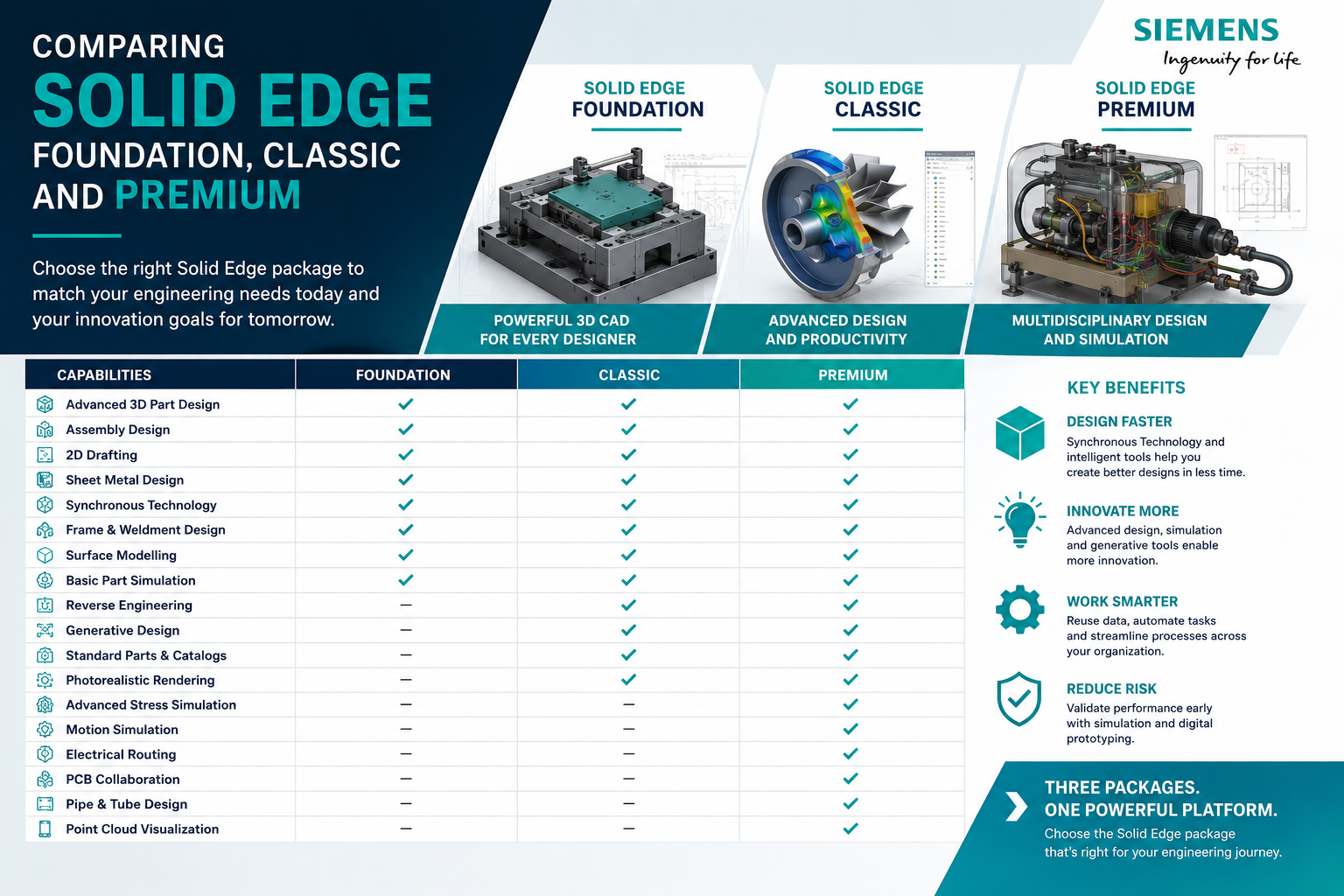
For example, Siemens states that data transferred from Solid Edge into Solid Edge CAM Pro retains associativity, allowing late-stage design changes to be incorporated into the manufacturing plan. :contentReference[oaicite:6]{index=6}
The core objective remains the same:
Where Associative CAD/CAM Is Most Valuable
Best Practices for Managing Engineering Changes
Maintain One Master Model
Use a controlled engineering source rather than creating unnecessary independent geometry copies.
Use Associative Manufacturing Geometry
Preserve links wherever possible between design features and manufacturing operations.
Track Revisions
Clearly identify which engineering revision each manufacturing program is based on.
Regenerate Affected Operations
Update relevant machining operations after geometry changes.
Verify Before Machining
Always verify updated toolpaths and NC output before releasing them to production.
Connect Design and Manufacturing Teams
Communicate why the design changed, not simply that a new CAD file was released.
Business Impact of Associative CAD/CAM
| Manufacturing Challenge | Associative CAD/CAM Benefit |
|---|---|
| Frequent customer changes | Faster response to revised geometry |
| Repeated CNC programming | Reuse and update existing machining logic |
| Wrong revision risk | Better digital continuity |
| Geometry recreation | Reduce duplicate engineering work |
| Late design changes | More efficient manufacturing updates |
| Long lead times | Reduce unnecessary design-to-manufacturing delays |
| Engineering rework | Preserve more of the original process definition |
| Departmental handovers | Improve collaboration between CAD and CAM teams |
Integrated CAD/CAM Support from Rheologist Gaze & Solutions
Rheologist Gaze & Solutions can support manufacturing companies evaluating integrated CAD/CAM workflows for design and CNC manufacturing.
Our discussions can include:
- Existing CAD-to-CAM workflow assessment
- Engineering-change process evaluation
- Mould and die CAD/CAM
- CNC programming workflow
- 3-axis machining
- 5-axis machining
- Electrode manufacturing
- Fixture design workflow
- Revision-control improvement
- Manufacturing process optimization
- Software demonstrations
- Implementation
- Training
- Technical support
Frequently Asked Questions About Associative CAD/CAM
What is associative CAD/CAM?
Associative CAD/CAM keeps manufacturing operations linked to the original design model so manufacturing can respond more efficiently when the geometry changes.
Can associative CAD/CAM reduce CNC reprogramming?
Yes. Instead of rebuilding every manufacturing operation from scratch, existing machining operations can often be updated or regenerated against the revised geometry.
Does the CNC program still need verification after a CAD change?
Yes. Updated machining operations should still be regenerated, simulated and verified before the revised NC program is released to production.
Is associative CAD/CAM useful for mould making?
Yes. Mould projects frequently experience design changes affecting cores, cavities, inserts, electrodes and CNC machining, making design-to-manufacturing continuity particularly valuable.
Can associative CAD/CAM help fixture design?
Yes. In integrated manufacturing environments, fixture geometry can also be associated with the part model so design changes can be incorporated into workholding development.
Does associativity completely automate engineering changes?
No. Associativity helps identify and update affected manufacturing operations, but CAM programmers must still review machining strategy, tool selection, fixtures, clearances, toolpaths and NC verification.
Conclusion: Engineering Changes Are Easier When CAD and CAM Stay Connected
Engineering changes cannot always be avoided.
Customers will revise products, designers will improve geometry and manufacturing teams will discover better ways to produce components.
The objective should therefore not be to eliminate every engineering change.
The objective should be to reduce the manufacturing disruption caused by those changes.
Associative CAD/CAM makes this cycle more connected and manageable.
For mould makers, tool rooms and CNC manufacturers working with frequent revisions, associativity can help reduce repetitive engineering, improve revision control and shorten the path from updated CAD geometry to validated manufacturing.
Are Engineering Changes Creating Too Much CNC Rework?
Talk to Rheologist Gaze & Solutions about integrated CAD/CAM solutions for mould making, tooling and CNC manufacturing.
Request a CAD/CAM Demonstration info@rgees.in +91 89394 50666SEO Focus Keywords: associative CAD CAM, integrated CAD CAM, CAD CAM design changes, engineering change management, CNC programming design changes, toolpath associativity, associative machining, design to manufacturing, CNC reprogramming, CAD CAM for mould making, mould and die CAD CAM, integrated manufacturing software.